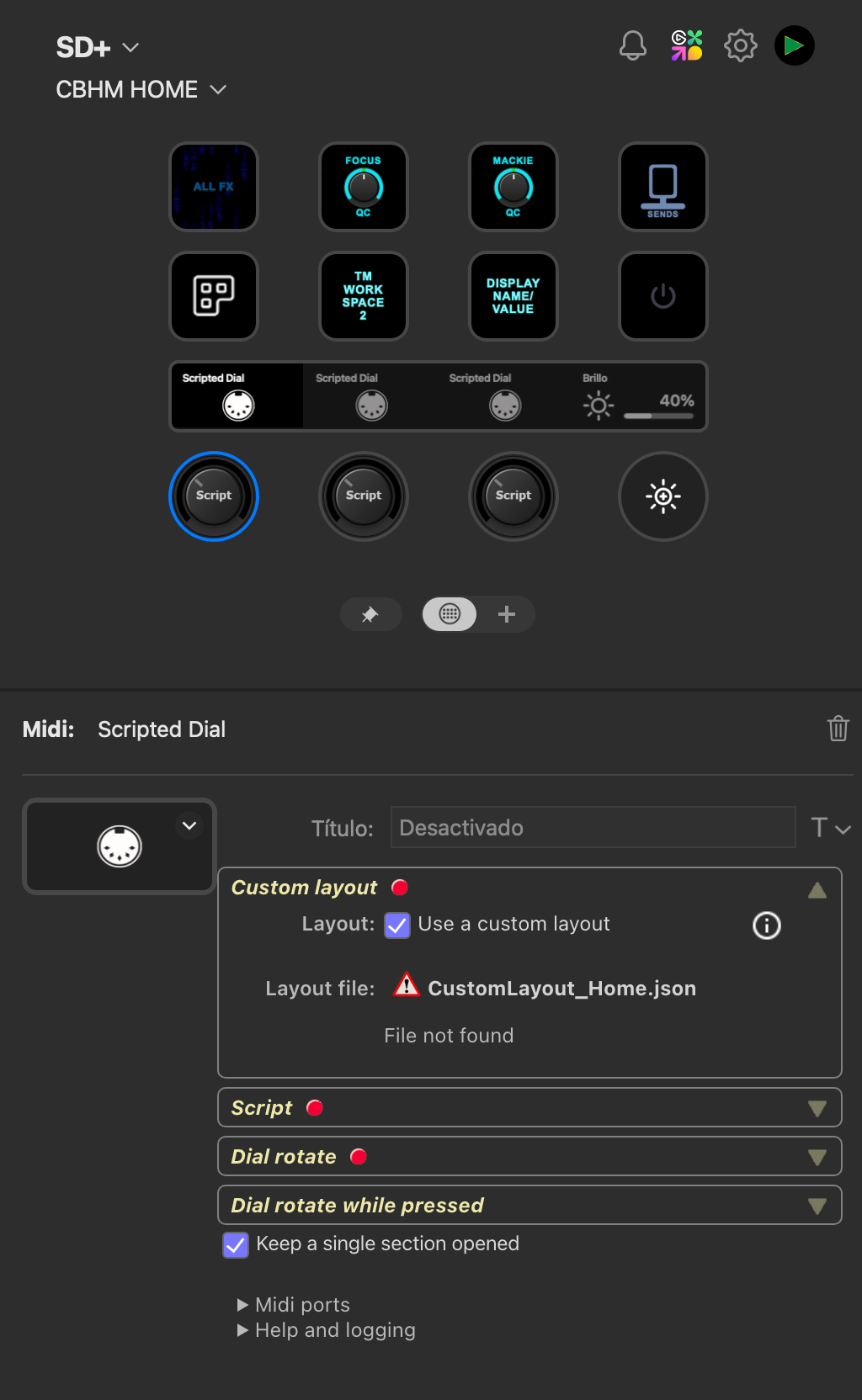
This version improves reconnecting Midi ports after restarting the Windows MIDI Service. Under the hood, the entire Midi driver is replaced to get closer to utilizing the MIDI Service SDK with Midi 2.0.
It is still only MIDI 1.0, but since the complete driver has been replaced, please help me verify that all aspects of MIDI communication still work as expected. Mac users should be unaffected; this major change is only for Windows.
In my tests, I noticed that Program Change reception for the Generic MIDI dial didn’t work, so I fixed that (for both platforms).
Hi, I’ve installed this version to help fix a problem with global settings not being applied. Now I can set global settings, however, now the Mackie page can’t find the ports that were previously set (the names are still listed but have “Not present” after them and they’re not in the dropdown list). Additionally, dials that used to use non-global ports don’t work they flash a no connection message. When I try to set them to the global version of the same ports, they flash the same non connection message. The ports are defined in loopMIDI and haven’t changed between me updating the release version to the beta version. I’ve uploaded a log, b17b2690-3be5-406f-b094-e9f6da160ddb.
Because extended logging was not activated, the log file contained no valuable information.
Since you are using Windows and loopMIDI, have you checked the plugin’s home page for information? I recommend switching to Windows MIDI Service instead of loopMIDI.
Ah sorry, I had extended logging turned on before. It must have reset (I guess a part of the settings bug). I’ve just done a few settings changes and twiddled the dial. New log at 962a0c06-7fb8-460e-b852-f7c1b19ca935.
I did see the info about Windows MIDI on the plugin page. I thought the issue might be different as the ports are visible in the global panel, and the global entries are selectable on the dials. They flash the connection error after they’ve been set to a global port that could find a loopMIDI port.
Just in case, I ran the tool at About Windows MIDI Services - Windows MIDI Services, and it claimed I didn’t have Windows MIDI (“The new Windows MIDI Services stack is not functional on this PC.”). However, when I look in services, I can see Windows MIDI Service. It doesn’t appear to be running as the only right-click option is “Start”. The others, including Restart, are greyed out. I can start the service, but even after that I get the same “non functional” error from the validation tool.
I can’t update or turn on developer/beta mode at the moment, so I’m stuck on loopMIDI.
I can revert to the release version for now, as that worked with non-global ports on the buttons.
This version works offline (without an Internet connection). Previously, some web page content was fetched directly from a URL, which made it unavailable when offline.
It also has a new feature I’m eager to hear your thoughts on. The Generic Midi dial now includes a VU display option, which shows an analog-style VU meter. When you turn the dial, the original fader/v-pot display temporarily reappears (like when large icons are configured).
I’ve noticed this isn’t ideal: if you set the rotate action to control the volume, you lose the VU meter display when adjusting the volume, which feels counterintuitive. I need to fix this somehow. Maybe add an option to temporarily overlay the value on the VU display, or maybe a volume-type bar.
My plan is to implement the same VU meter display for the Mackie dial and maybe the script dial, but I want to have everything working on the Generic Midi dial first.
Warn and error logs always go to the plugin log. Log, info, and debug are written to the plugin log if extended logging is enabled. All log calls are also written to stdout.
Exports and require is available. Plugin events like OnInit should not be defined in exports because the plugin won’t recognize these event handlers. If you want reusable event handlers, place the main handlers in the main script and call exported functions from there.
The streamdeck-midi.d.ts file is now included in the installed plugin; you can find an updated version in the ScriptJint folder in the plugin folder. I haven’t had time to update the documentation page yet, but I will do it later.
VU Meters
I have worked extensively with the analog VU functionality, but would appreciate help. I’m not used to using analog VU meters, so I have no personal experience with what to expect. Is anyone here experienced with working with analog VU meters? If so, does the current configuration have what it takes to get a VU meter you’re satisfied with?
I have installed beta version 4.2.0.43 from last release version 4.2.0.4
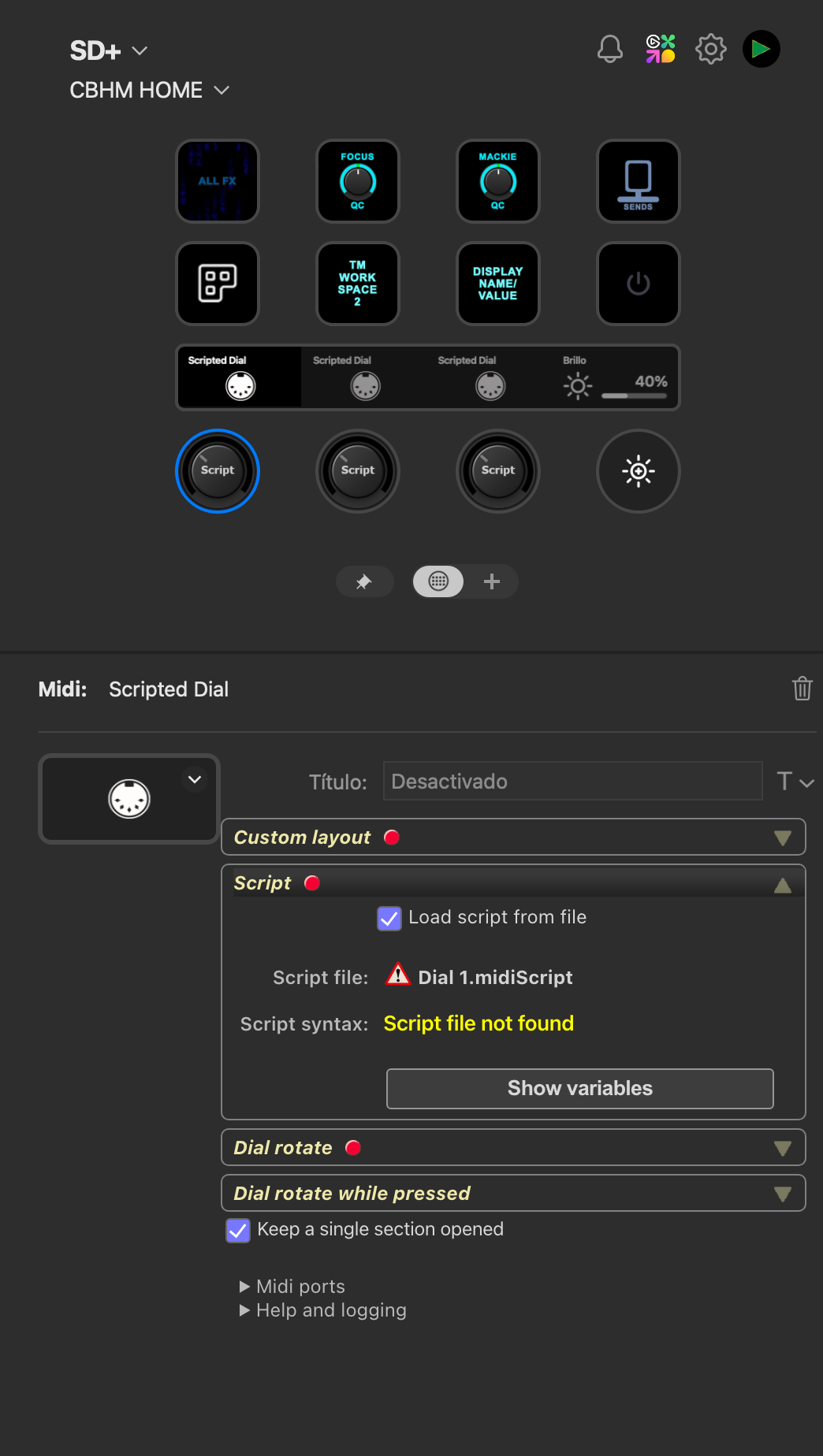
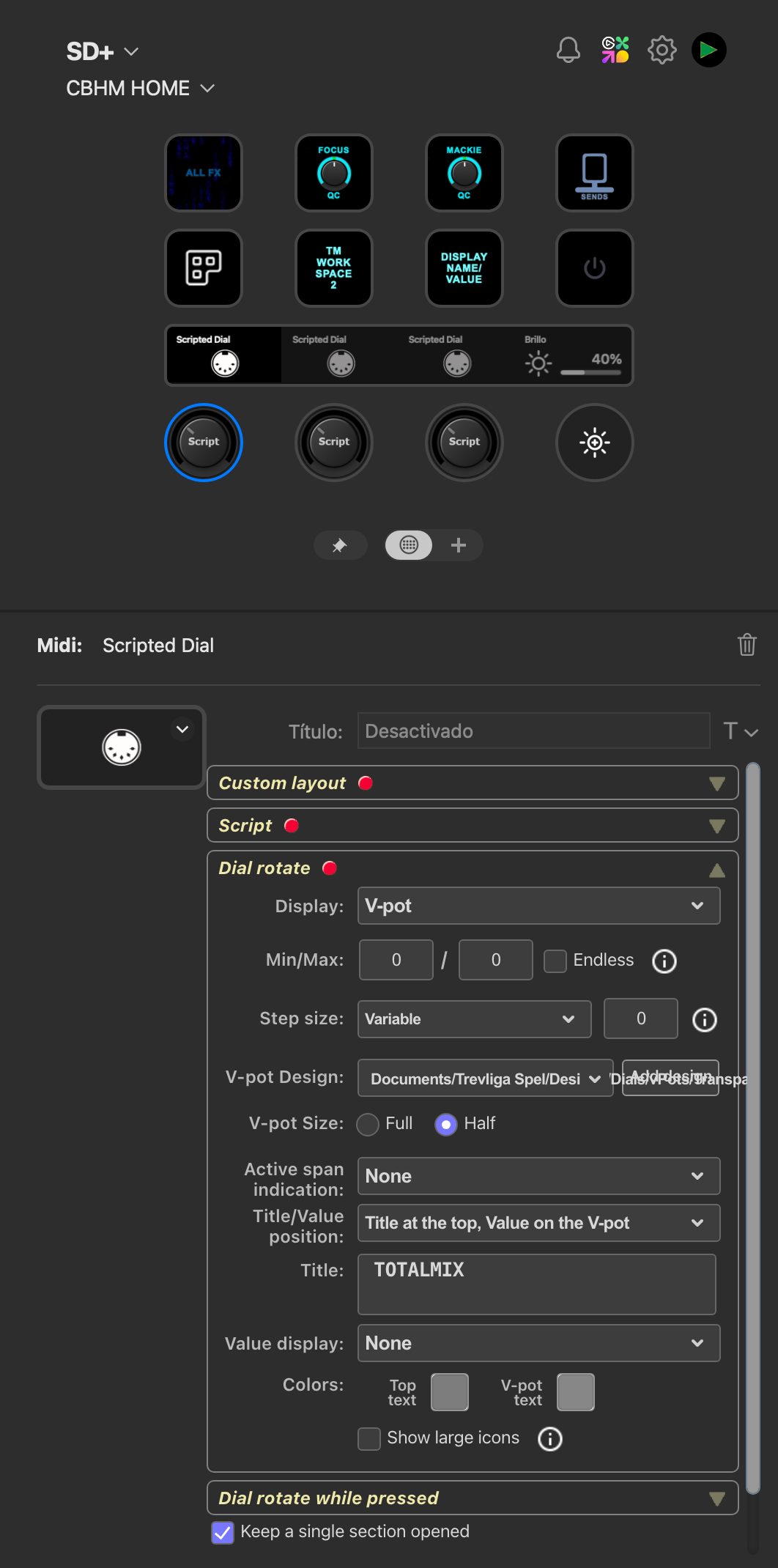
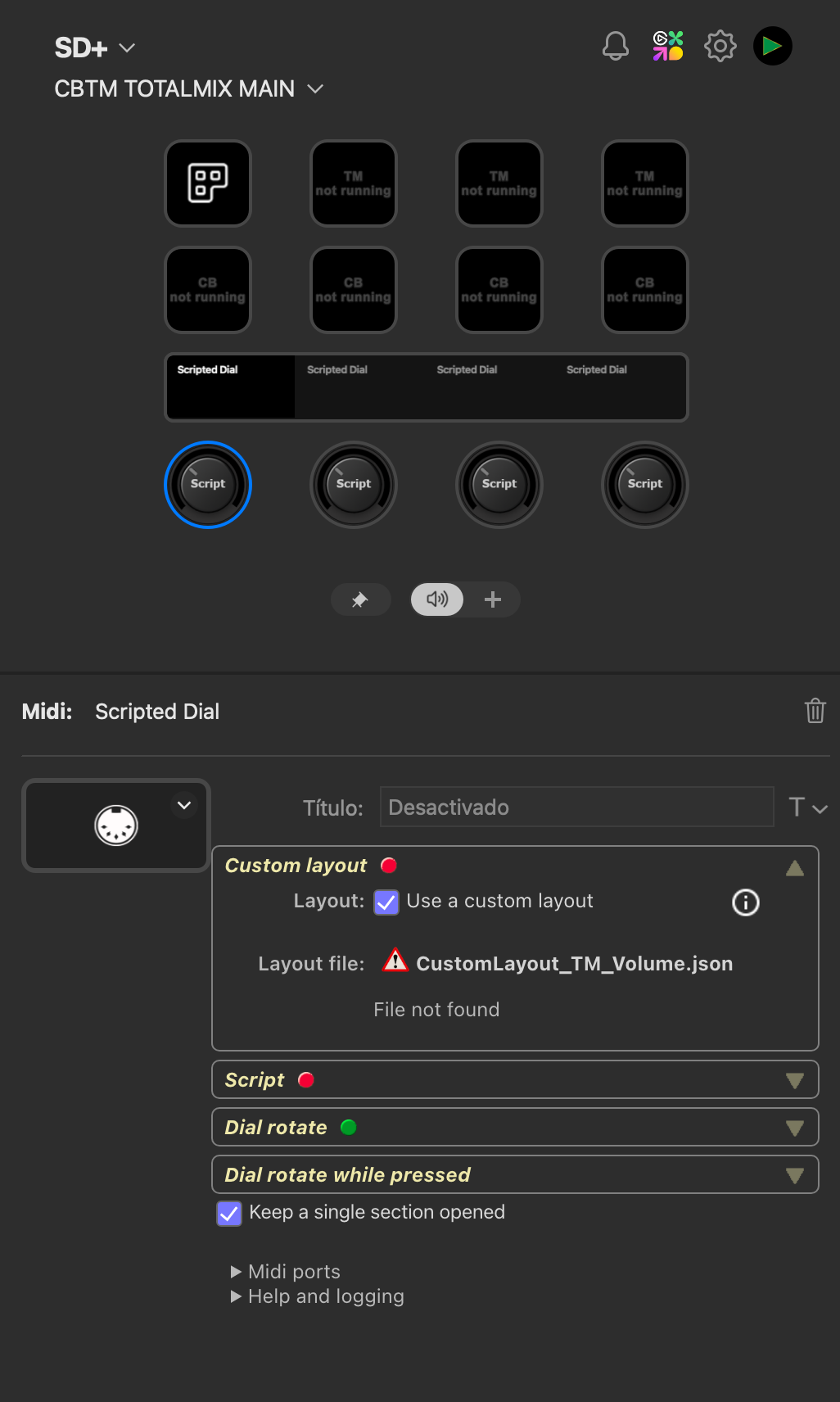
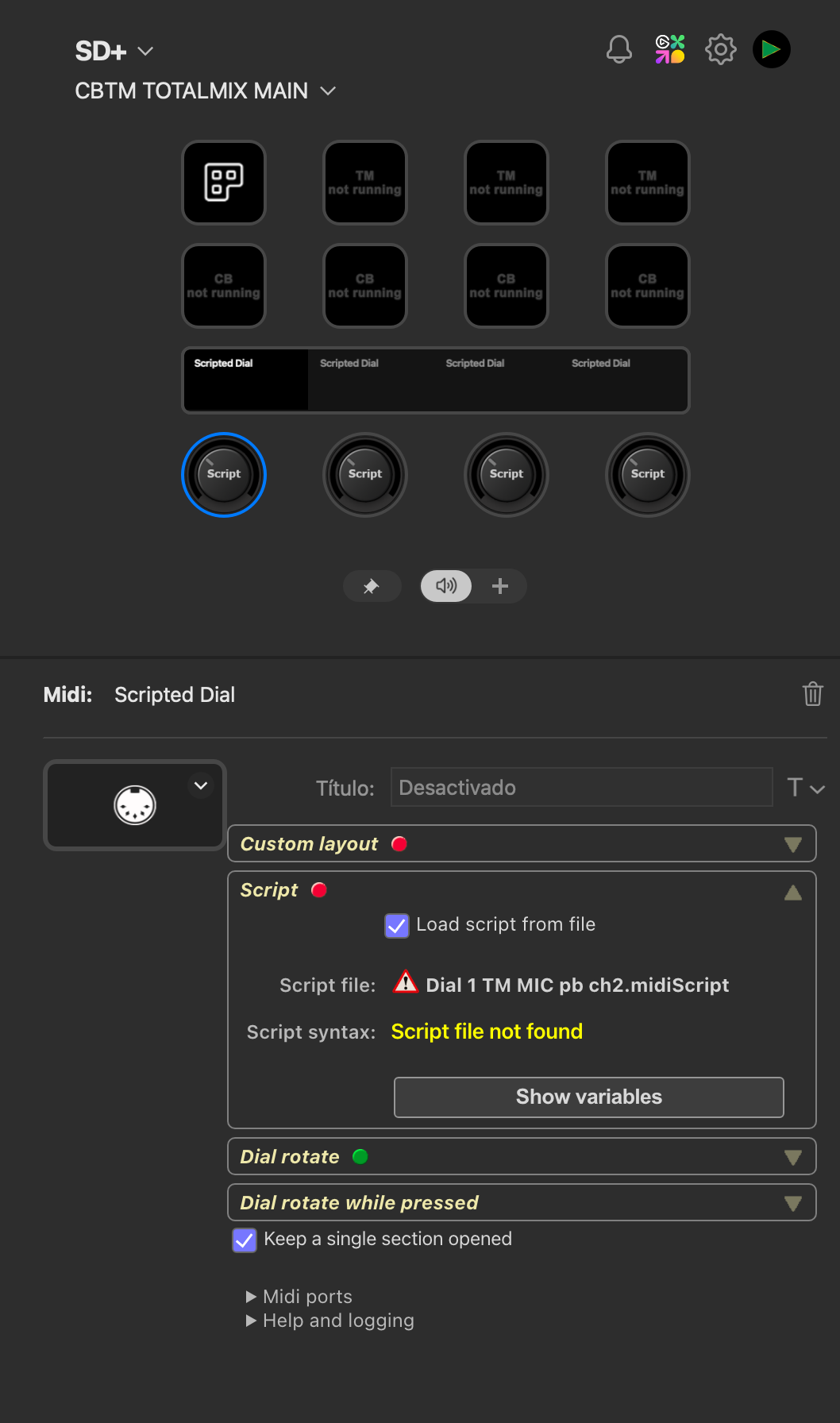
After the installation, all my scripted dials were broken, showing errors regarding files are missing (script files, custom layout files, vpot designs, fadere designs).
I restarted the editor of stream deck (I didn’t unplug the usb cable from the device) and the issue is gone, all files are found by the plugin as expected.
That sounds very strange. In theory, there should be no difference between the first and second start of the plugin. But clearly, there are some differences. Does the log file provide any useful information?
According to the log file, access to the Documents folder is denied. Why that is, I haven’t a clue.
I’d really appreciate it if everyone used the Upload button instead of attaching log files to posts or emails. That way, I receive all log files in one central location, and the upload also includes the Stream Deck log, which can be especially helpful during updates.
None of the log files show any issues with the plugin itself. As I mentioned before, during the first start after the update, for some reason, the plugin is denied access to the Documents folder, which causes all the missing file references.
I understand this for events like : OnKeyPressed, OnKeyReleased
but is it also true for timer events ? If I start a timer in an exported function (from a common module in a separate js file), will the OnTimerElapsed be catched inside the common module/js file ?