Hi everyone,
I’m having a persistent issue setting up the Logic Pro Pro Profiles on my Stream Deck (15-key MK.2) on macOS.
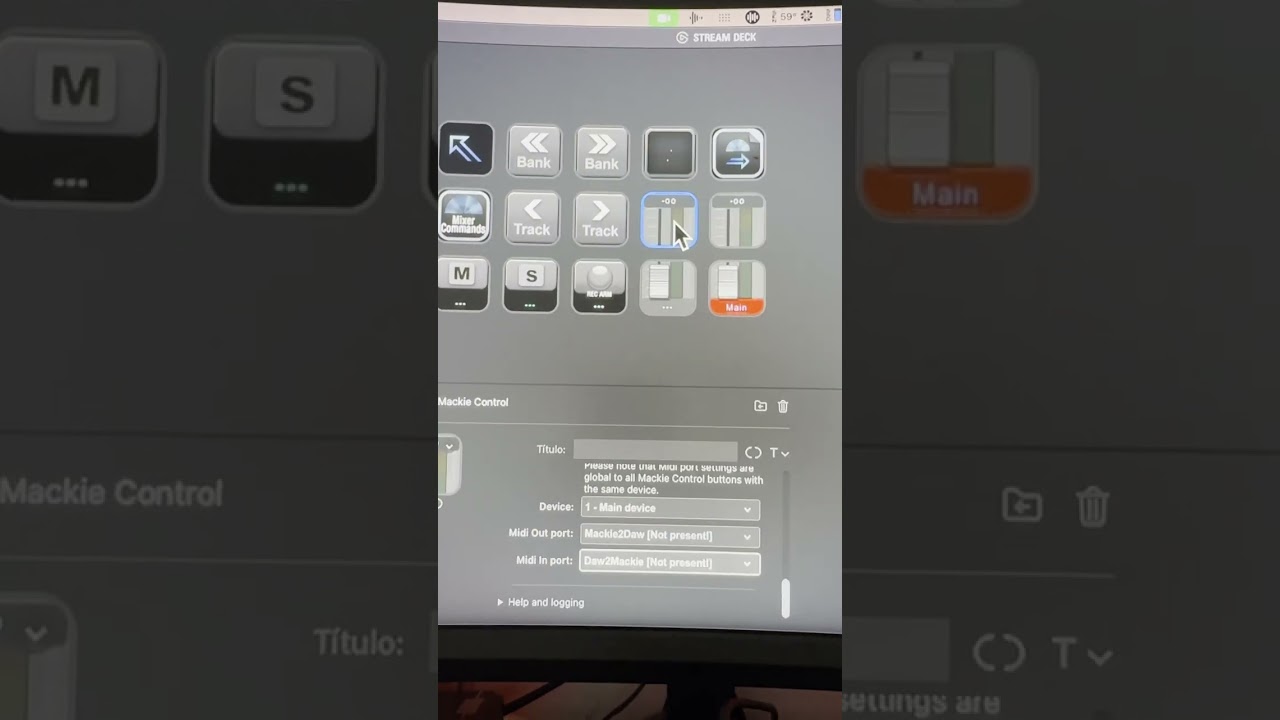
The issue is that the MIDI ports are showing as “Mackie2Daw [Not present!]” and “Daw2Mackie [Not present!]” in red within the Stream Deck button settings (Trevliga Spel MIDI plugin). Because of this, the yellow warning triangles appear, and I get no feedback (track names or VU meters) from Logic Pro.
Here is what I have already tried:
-
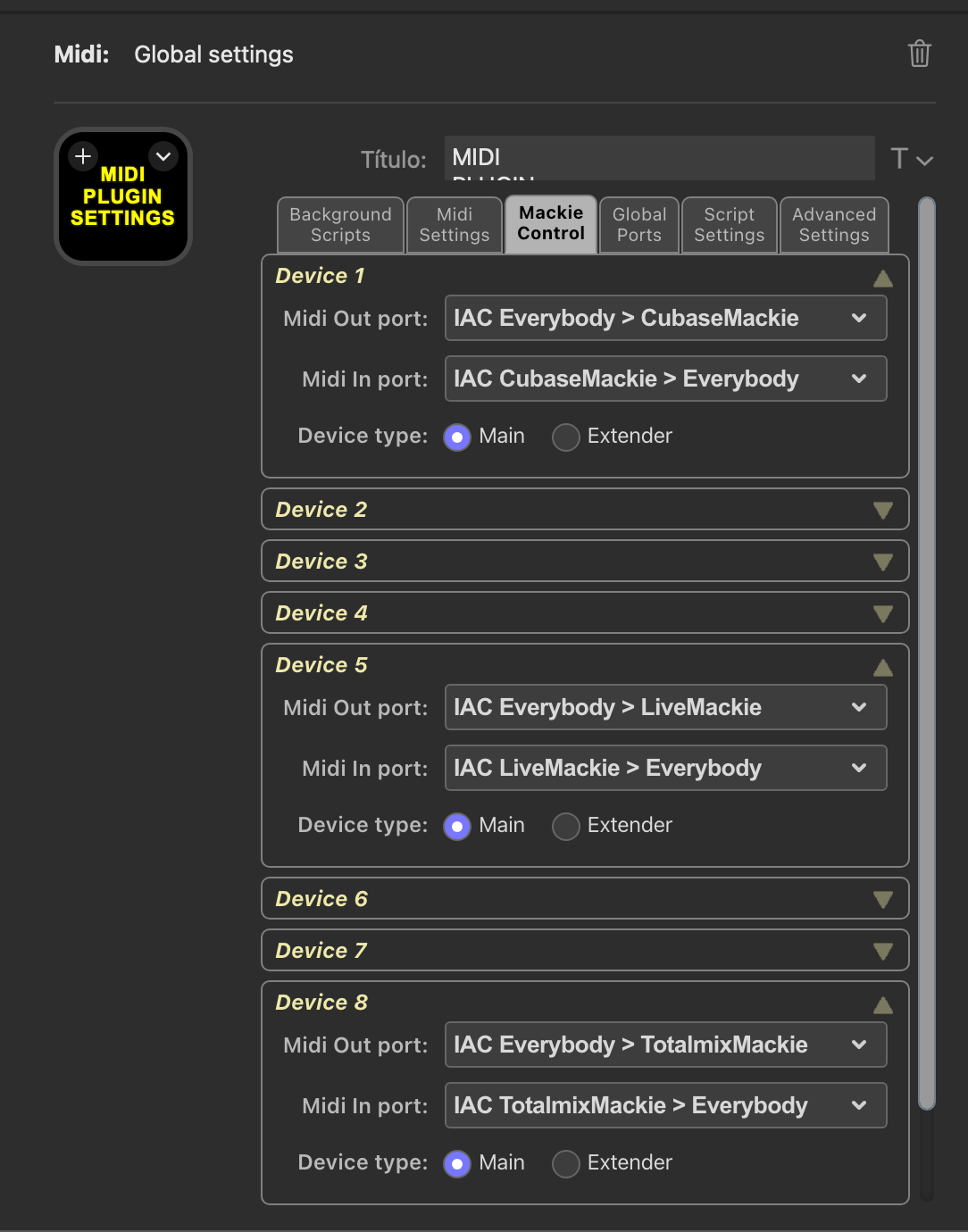
IAC Driver Setup: My IAC Driver is Online. I have created the ports with the exact names:
Mackie2DawandDaw2Mackie(no spaces, correct capitalization). -
Logic Pro Config: I have added the Mackie Control surface in Logic and assigned the ports correctly there, but the Stream Deck app still doesn’t “see” them.
-
Plugin Reset: I have already tried deleting the
se.trevligaspel.midi.sdPluginfolder from the App Support directory and reinstalling the plugin from the Marketplace. -
App Restart: I have restarted both the Stream Deck app and my Mac multiple times.
-
Dropdown Menu: In the MIDI Port dropdown, I can see the “Driver IAC” versions of the ports, but the app won’t let me select them; it keeps reverting to the red “[Not present!]” error.
-
Additionally, I am experiencing significant latency between Logic Pro and the Stream Deck. Actions and visual feedback take too long to respond, which suggests a communication bottleneck or a MIDI loop issue
I am also using a Behringer X-Touch One (assigned to a different Control Surface Group), which is working fine.
Does anyone know how to force the Stream Deck app to recognize the active IAC ports and clear the “Not present” status?
Thanks in advance for the help!