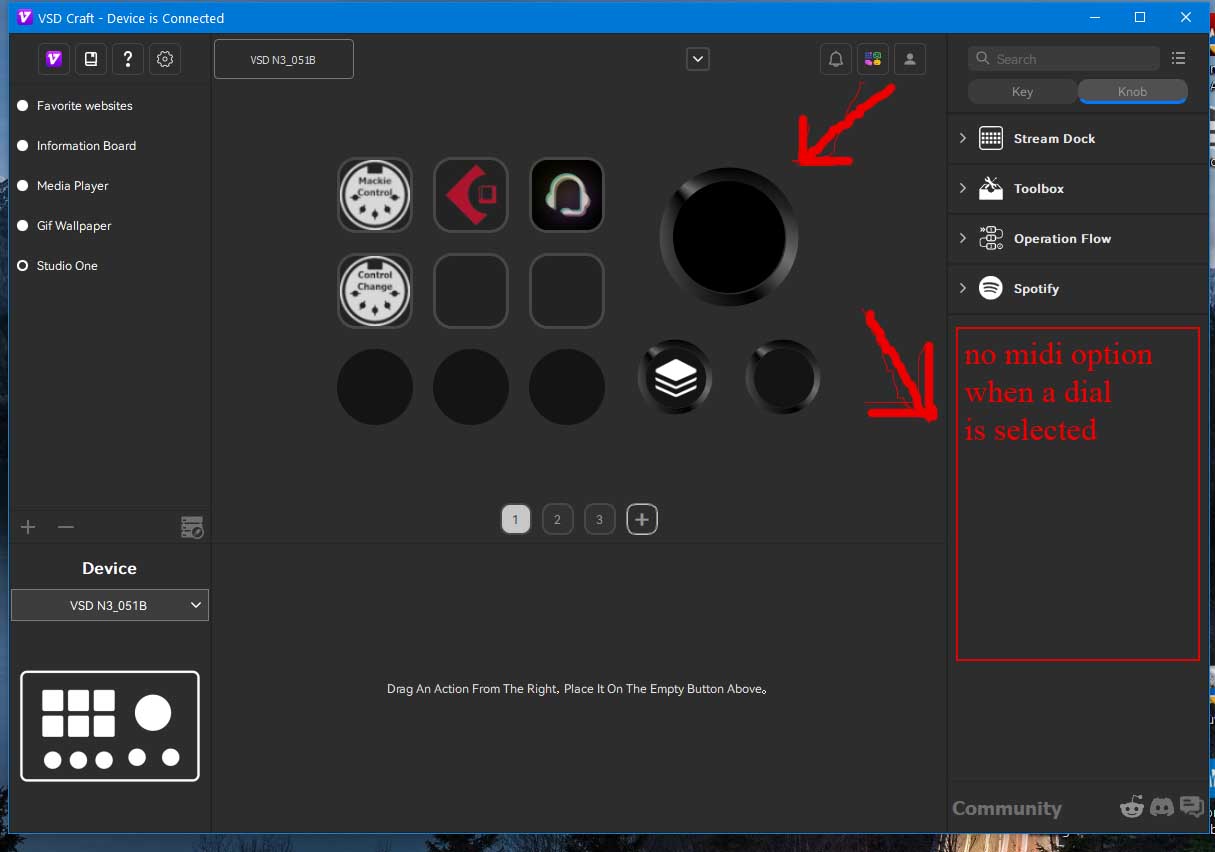
Greetings! I have a VSD Craft Stream Dock, also known as the Soomfon Stream Controller SE, also known as Mirabox N3 Controller. The app page only has Stream Deck MIDI 3.1. version. In this version, I am unable to use the knobs to send VPot/Fader midi instructions.
(1) Are Vpot, faders MIDI controls available for the knobs in the newer version(I looked through the changelog, but no clear answer).
(2) Would Stream Deck MIDI 4.2 be compatible with my controller, and how could I attain and install it?
Thanks for the quick response. Whenever I select the dials, I am unable to use the Stream Deck MIDI function directly. The work around I found is to add the multicommand option on the dial then add Stream Deck MIDI, however a notice in yellow font appears saying vpot and faders do not work in multicommand.
I am unable to add dial functions to dials. Stream Deck MIDI is not available as a dial option, only for pressing buttons. One YouTuber says I need to edit the manifest.json files and change “Encoder” to “Knob”. I will try this and report back, God willing.
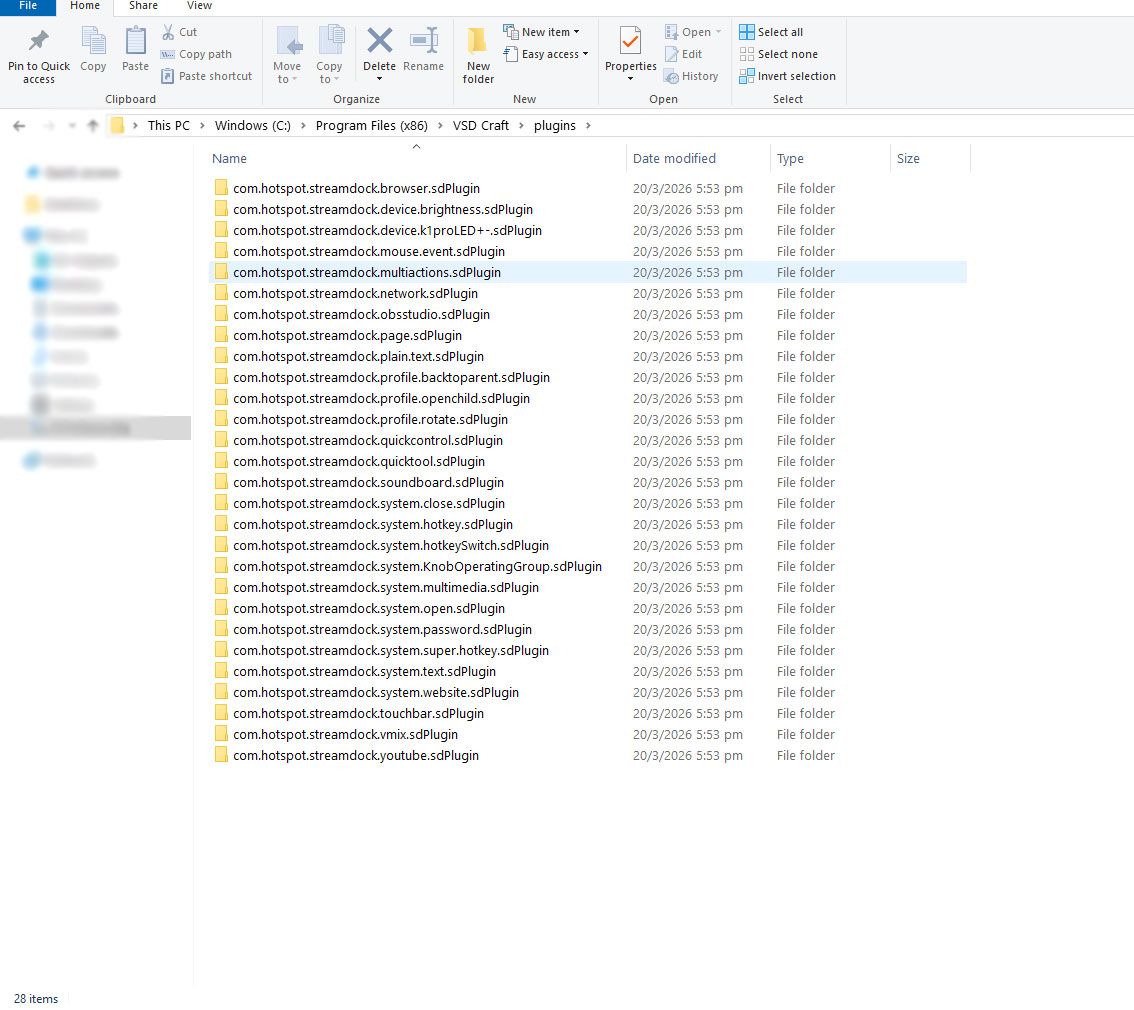
There are many manifest.json files. I am unable to find a folder for the Stream Deck MIDI plugin in my VSD Craft folder. Where can I find the manifest.json for the Stream Deck MIDI on Windows 10?
Firstly, I want to thank you for all the assistance you have given so far. I found the plugin folder here: C:\Users\Your_user_name\AppData\Roaming\HotSpot\StreamDock\plugins\se.trevligaspel.midi.sdPlugin
edited the manifest.json file and changed “Encoder” to “Knob” (Case Sensitive). Now midi is visible for the knobs. Have not tested, but I hope it works.
Your plugin is very useful. I hope you will reconsider and develop these cheaper devices. Thanks again!