Extended logging was not enabled when that log was created, so I can’t see anything related to the missing texts.
I can see some other errors in the log that I need to investigate further, but above all, I see loads and loads of files that it cannot find. I know there are situations where, on a Mac, the plugin, for unknown reasons, cannot access the Documents folder, which seems to be the case here. I don’t know if it has anything to do with this issue, but anyhow…
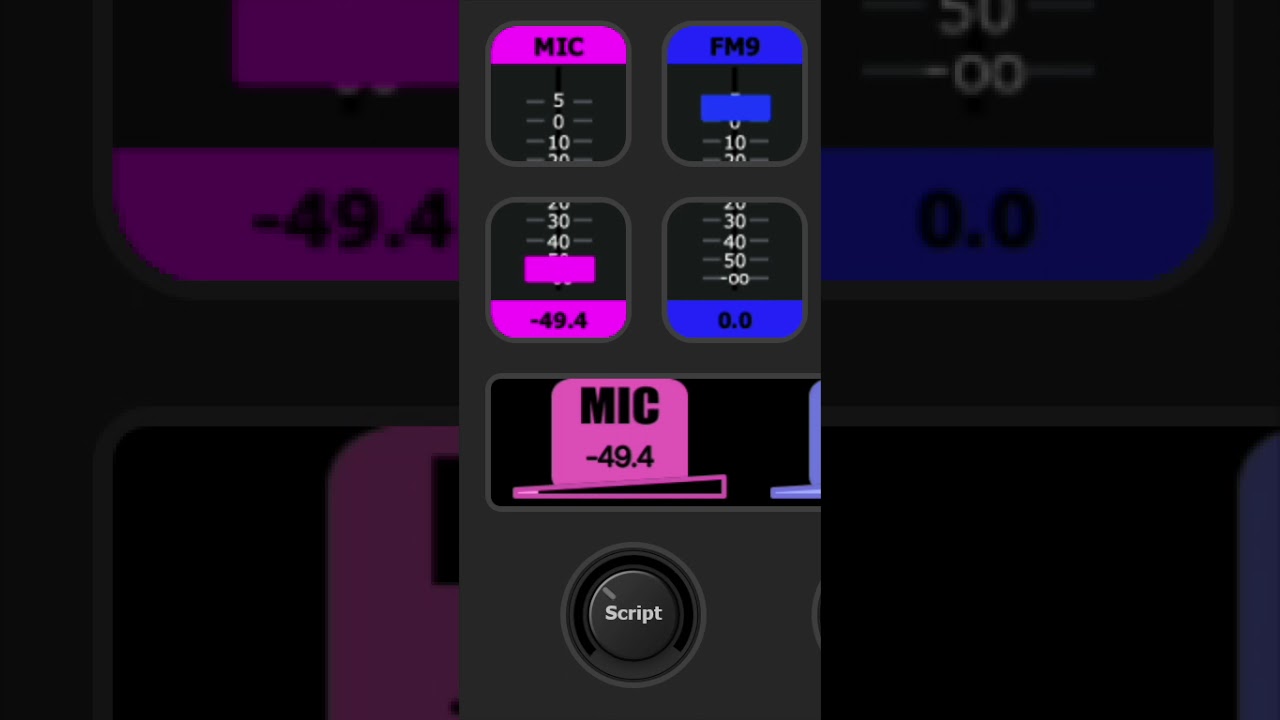
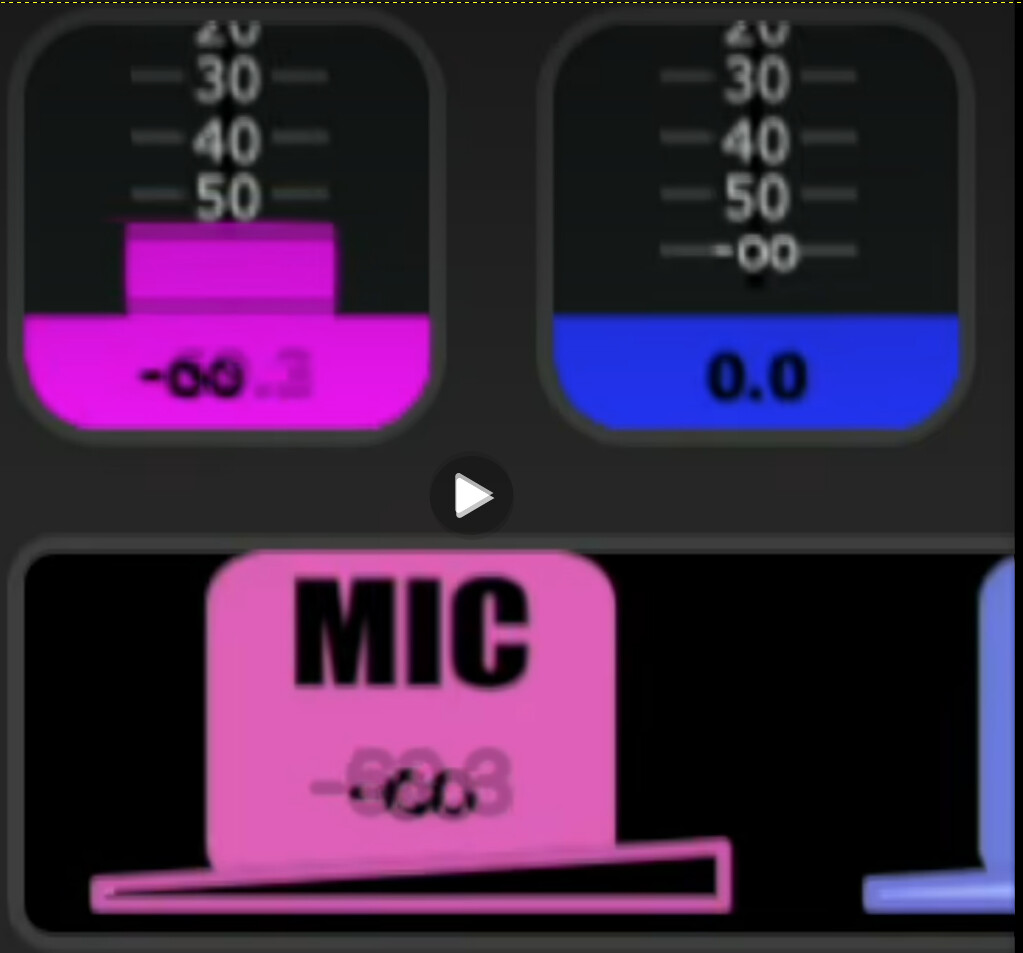
Yes. In both cases, the plugin tells the rendering software to center the text. For dials, that is the Stream Deck software, and for buttons, it’s the graphic subsystem (SkiaSharp). I don’t know why SkiaSharp is rendering the “-oo” off-center; it’s as if the text were really “-oo ”, but that shouldn’t have made a difference, I think.
This image shows the different values overlaid on the button, and it’s obvious that the text appears left-justified in the center area, if you get what I mean. Unfortunately, I can’t do anything else but say that the text should be centered.
In your log file, I saw some entries I thought were related to something else but were actually this issue. The problem was the minmax values, and the plugin didn’t handle the case where the edge was reached properly.
The {rotate:pl} didn’t work because you were already on the left edge, and rotating left caused the plugin to fail. I have corrected this and verified that it fixes your issue.
The addition of the JavaScript engine required many changes to the plugin, but the intention has always been to leave the midiScript functionality unchanged. I compared the code for that piece with the previously published version, and it is unchanged.
I can’t explain why you experience a change in behavior.
There is a massive amount of information in that log, and I think I need information about the button position for failed texts so I can locate the relevant parts of the log. So maybe a new log with a video is required after all.
I found it, and it’s related to the number of items that need to be initialized in the profile.
When a button is loaded, (init) commands are not executed immediately; they are delayed by 0.2 seconds to allow things to stabilize before running. The lower button is loaded first. When the issue occurs, the 0.2-second timer expires before the upper button is loaded, causing the (init) commands to be executed and the {textupper:…} action to fail.
I need to add a sync so the (init) commands are not run until the upper button has loaded.
This version should fix most of the reported issues. There is still an issue with textupper actions in init commands for V-pots, but I don’t have time to investigate it now and don’t want to delay the upload of this beta.
Good Morning,
Here is a log Id: 90ce0f44-ec7b-4ce8-a5c5-6e0d89da8841
for a case when communication is lost after stopping and restarting the streamdeck app.
After the restart i just rotated a dial, and i can see in the log :